
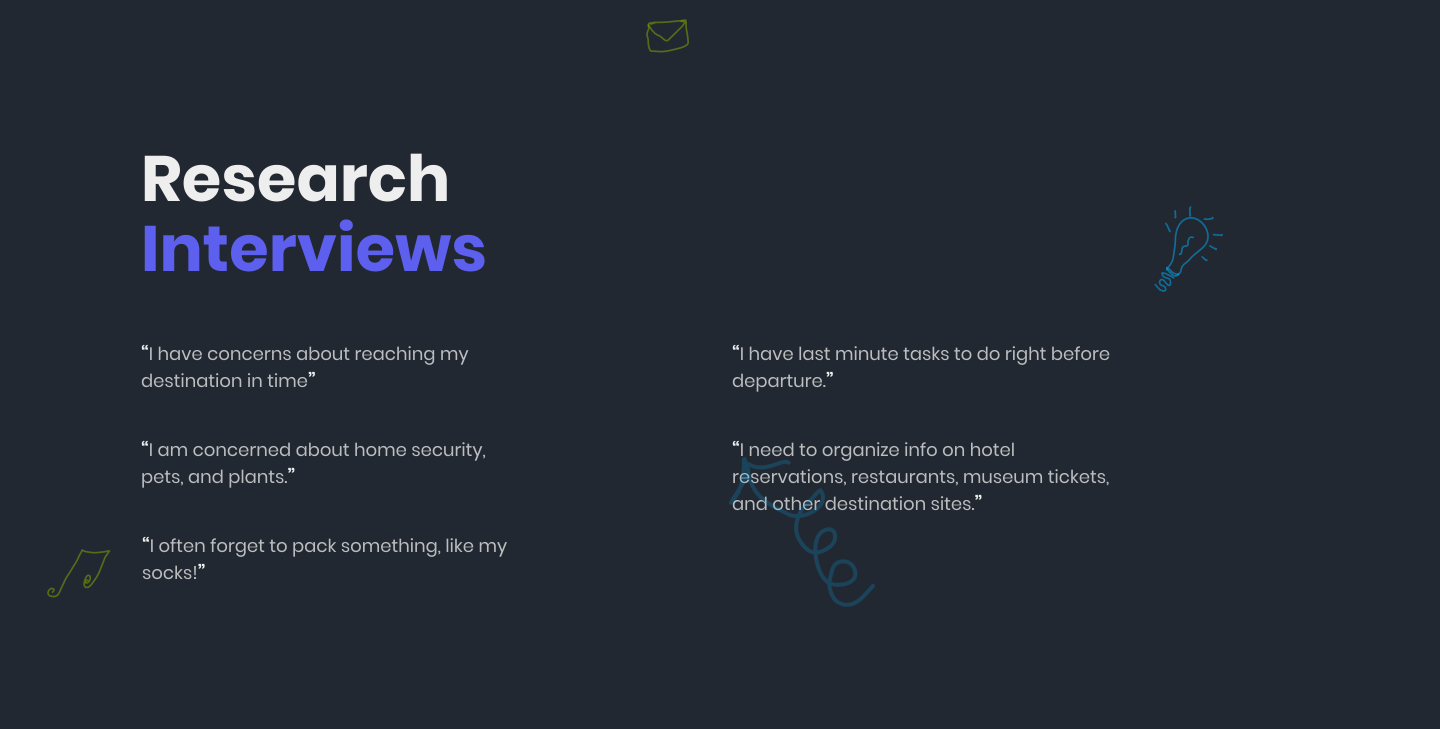









Need to address the roadtrip travelers' organizational need at all four stages of travel: planning, drive to, destination, and drive back
Need to address the roadtrip travelers' organizational need at all four stages of travel: planning, drive to, destination, and drive back
Problem
Statements
My
Solutions
· A road trip planner app should include all parts of a road trip.
· This comprehensive approach provides users with a complete and integrated tool for organizing their entire road trip experience.
· Including all parts of a road trip in the app ensures that users can plan and manage their trip holistically.
· The app can help users manage their itinerary, including booking activities, identifying places to eat, and finding local attractions.
· The app can help users manage tasks such as unpacking, reviewing their expenses, and returning any rented equipment when returning home.
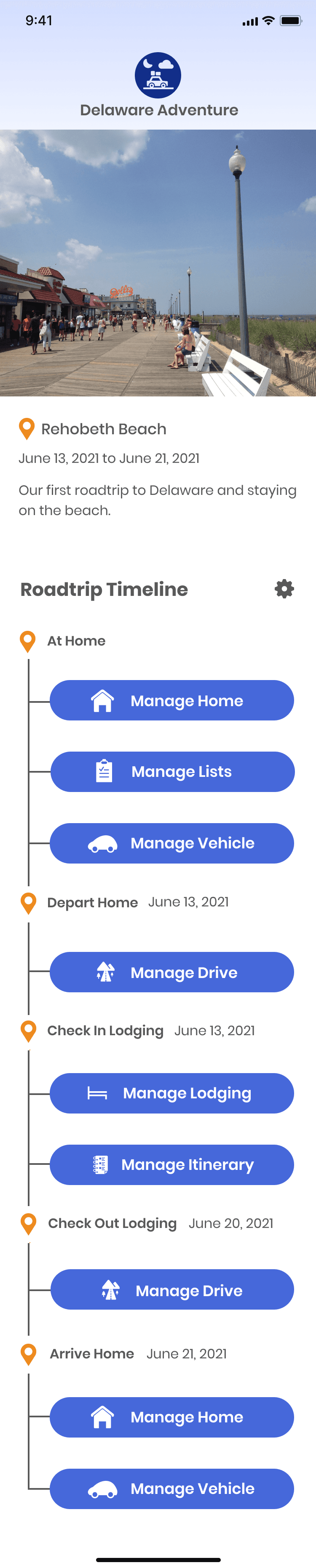
· The app uses a timeline as the principal organizing feature to present the different phases of a road trip, enabling users to visualize their journey from beginning to end.
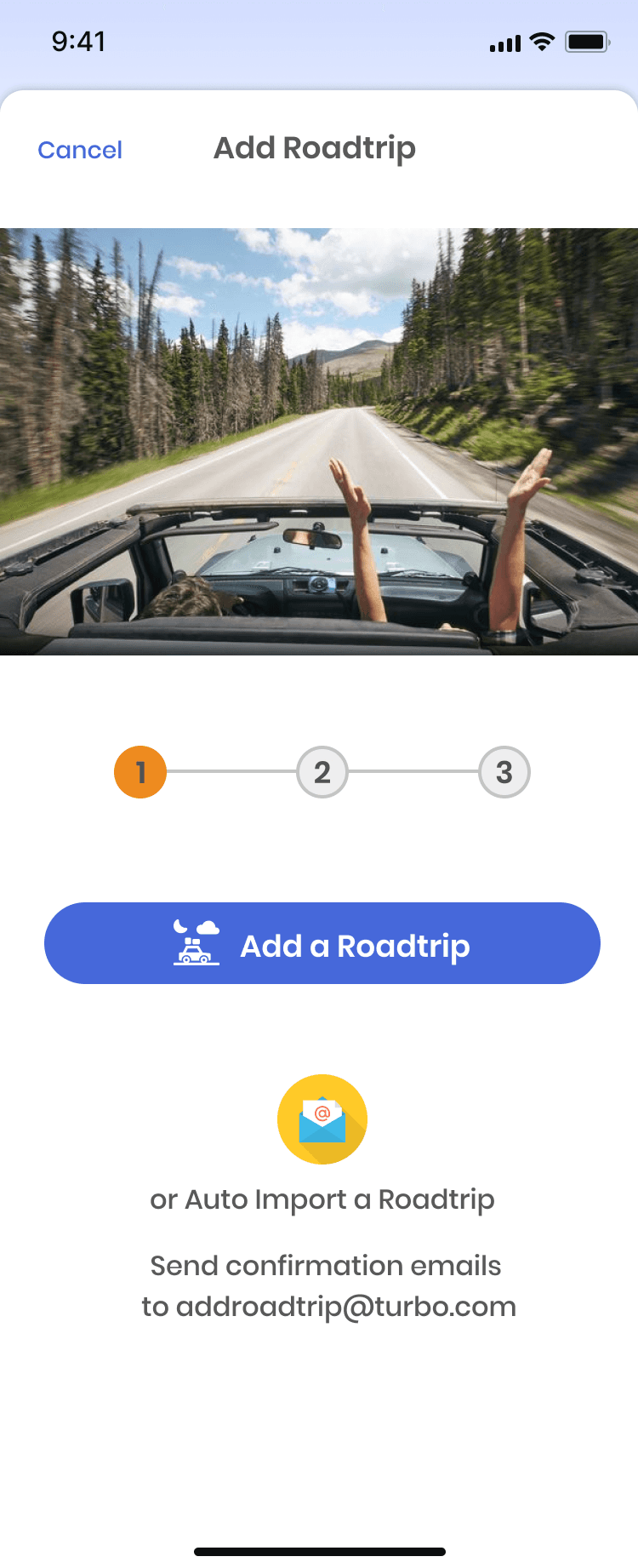
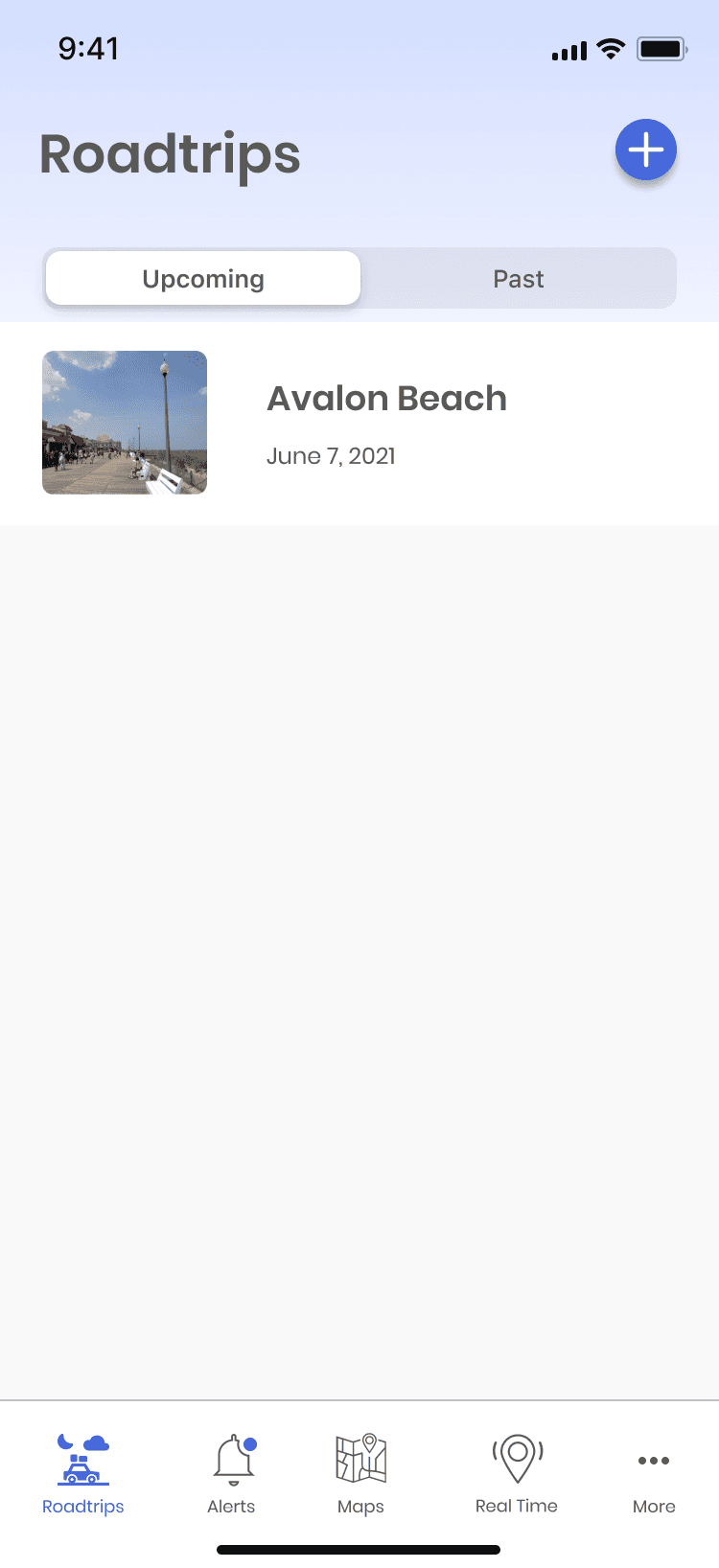
The home screen displays any
past or upcoming road trips, and
users can create a new road trip
by clicking on the plus button.
Clicking the "Add a Roadtrip"
button will take the user through
a series of screens that prompt
them to provide basic trip
information. This information
will be organized into the "Road
Trip Timeline."
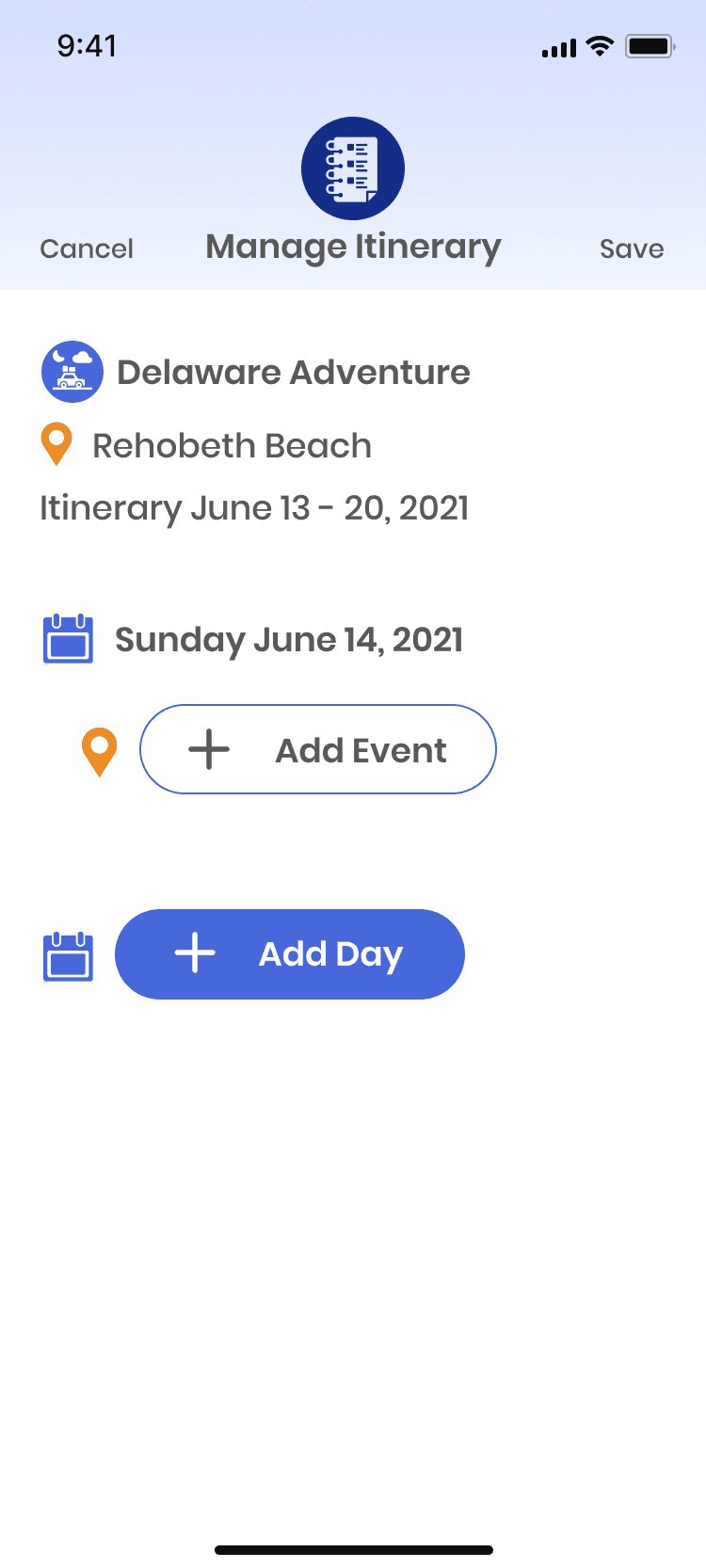
· The "Manage Itinerary" button is a crucial feature of a road trip organizer.
· It enables users to create, view, and adjust their itinerary easily.
· Users can add or remove events, change the order of the events, or adjust the time allocated for each event.
· This helps users to optimize their trip and make the most out of their time on the road.
· The function may also allow users to save multiple versions of their itinerary for flexibility.
· By centralizing itinerary management, users can streamline their trip planning process and have a more enjoyable and stress-free experience.
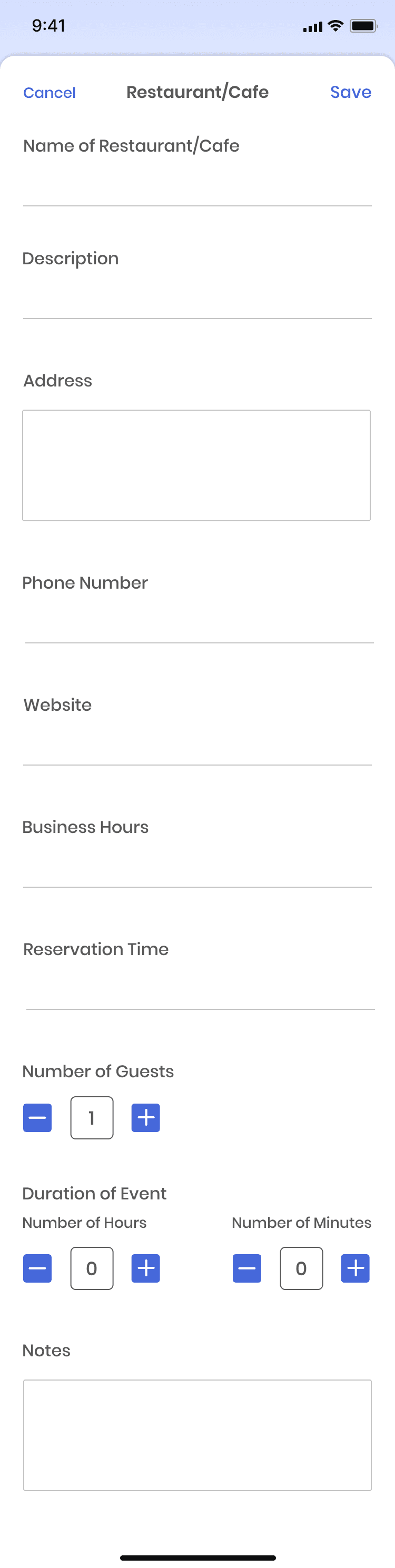
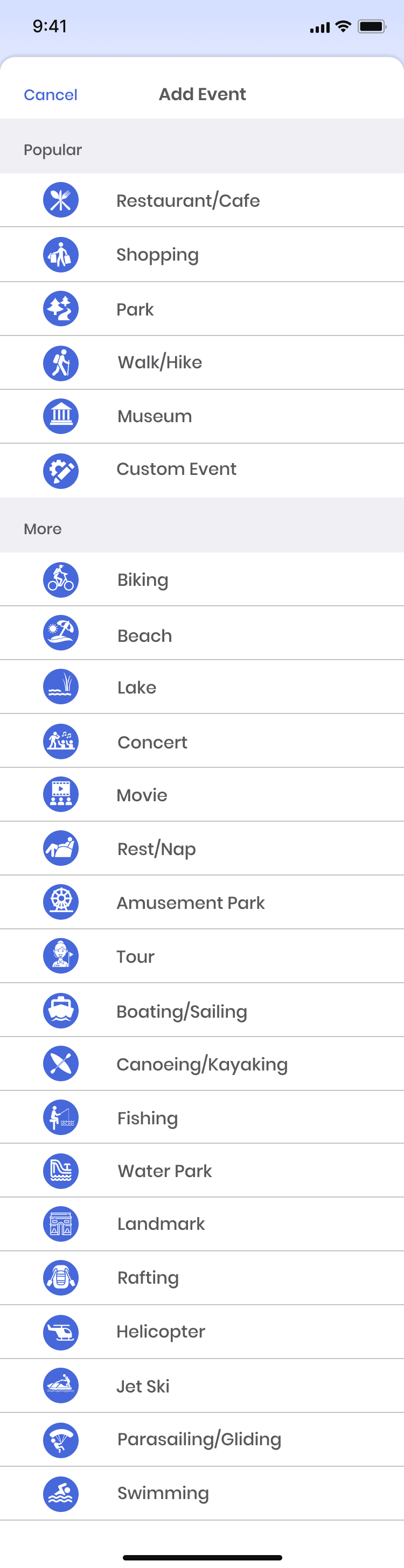
Here are a series of screens that
show how users can easily add
dining events or any other event
to their itinerary using the
"Manage Itinerary" function
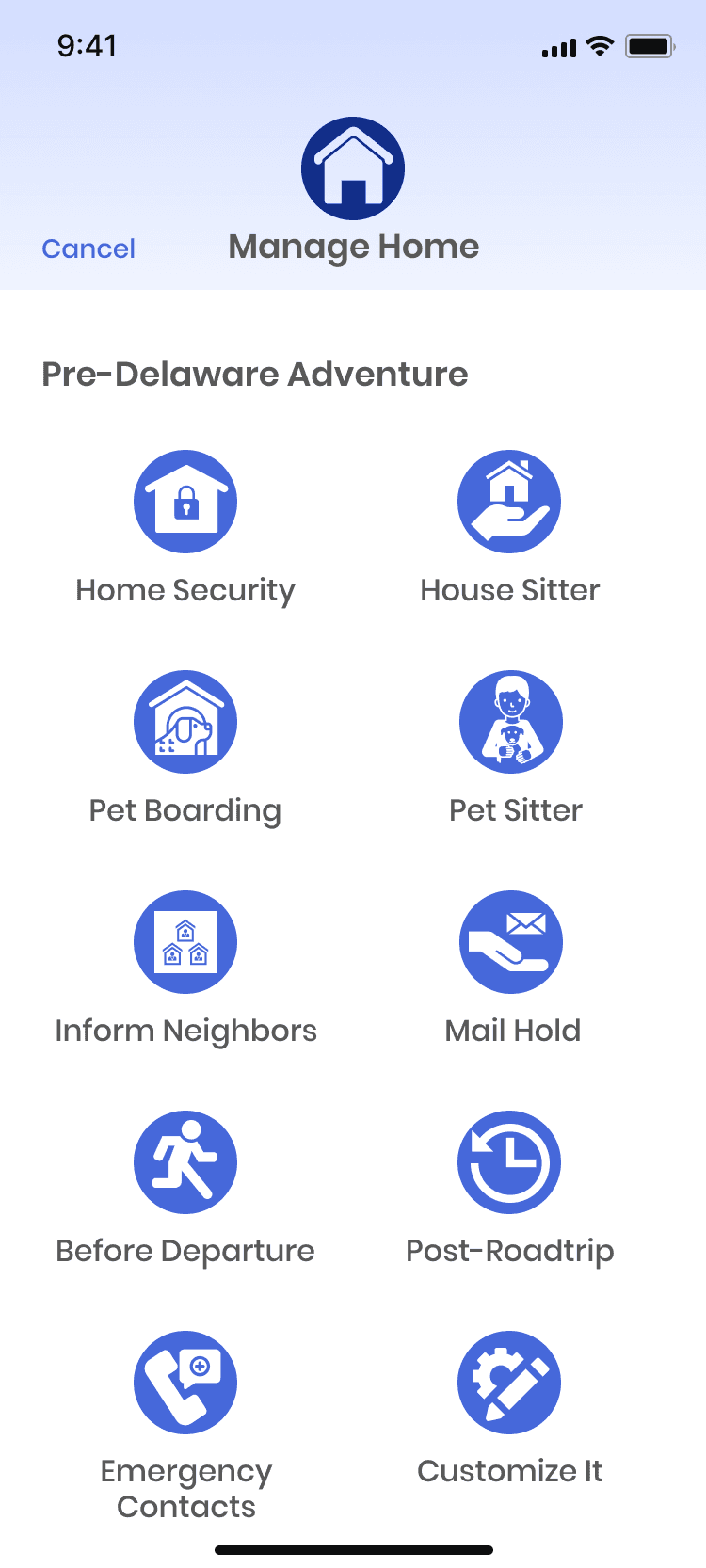
Road trip management includes managing things related to one's home
"Manage Home" function button provides access to all aspects of the trip that relate to one's home
Users can manage home security, house-sitting, and last-minute tasks through the function.
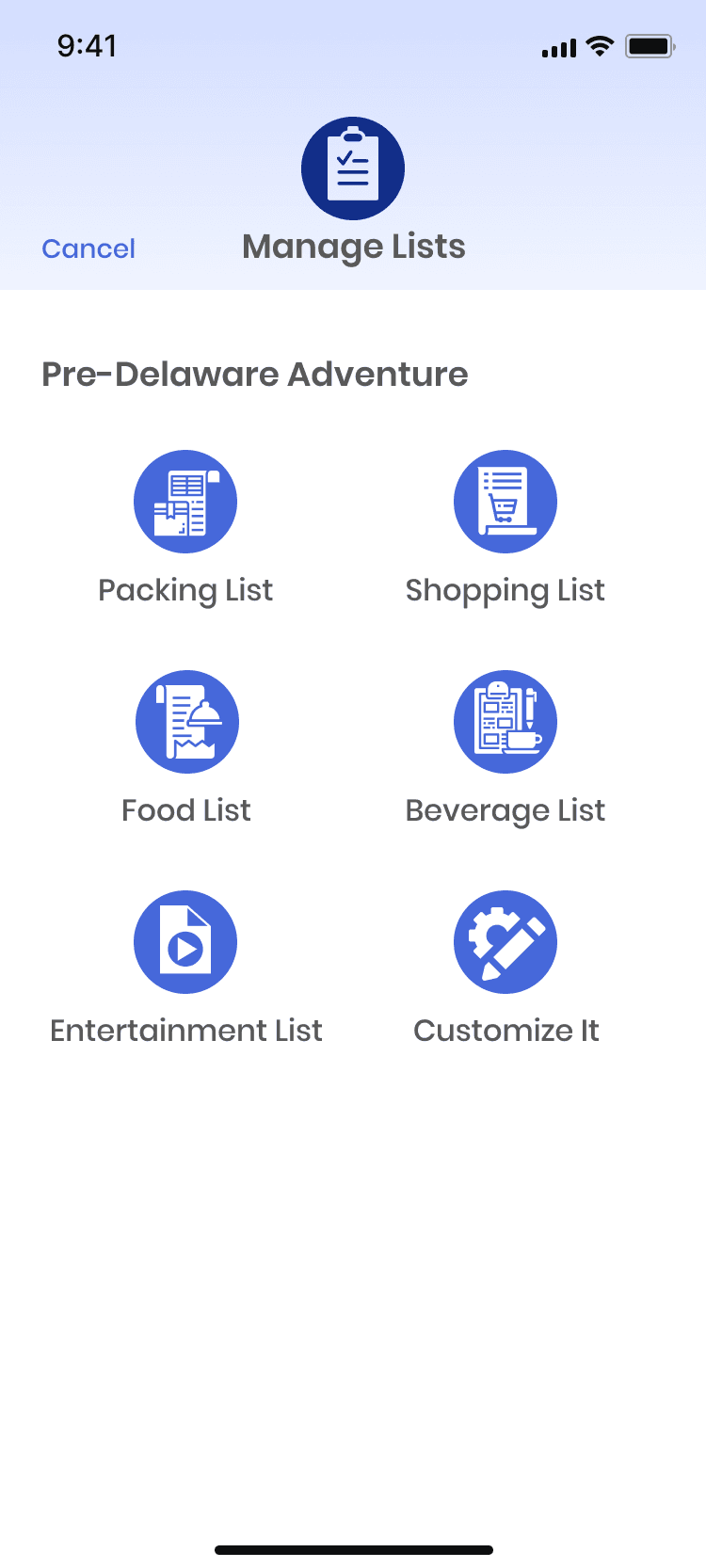
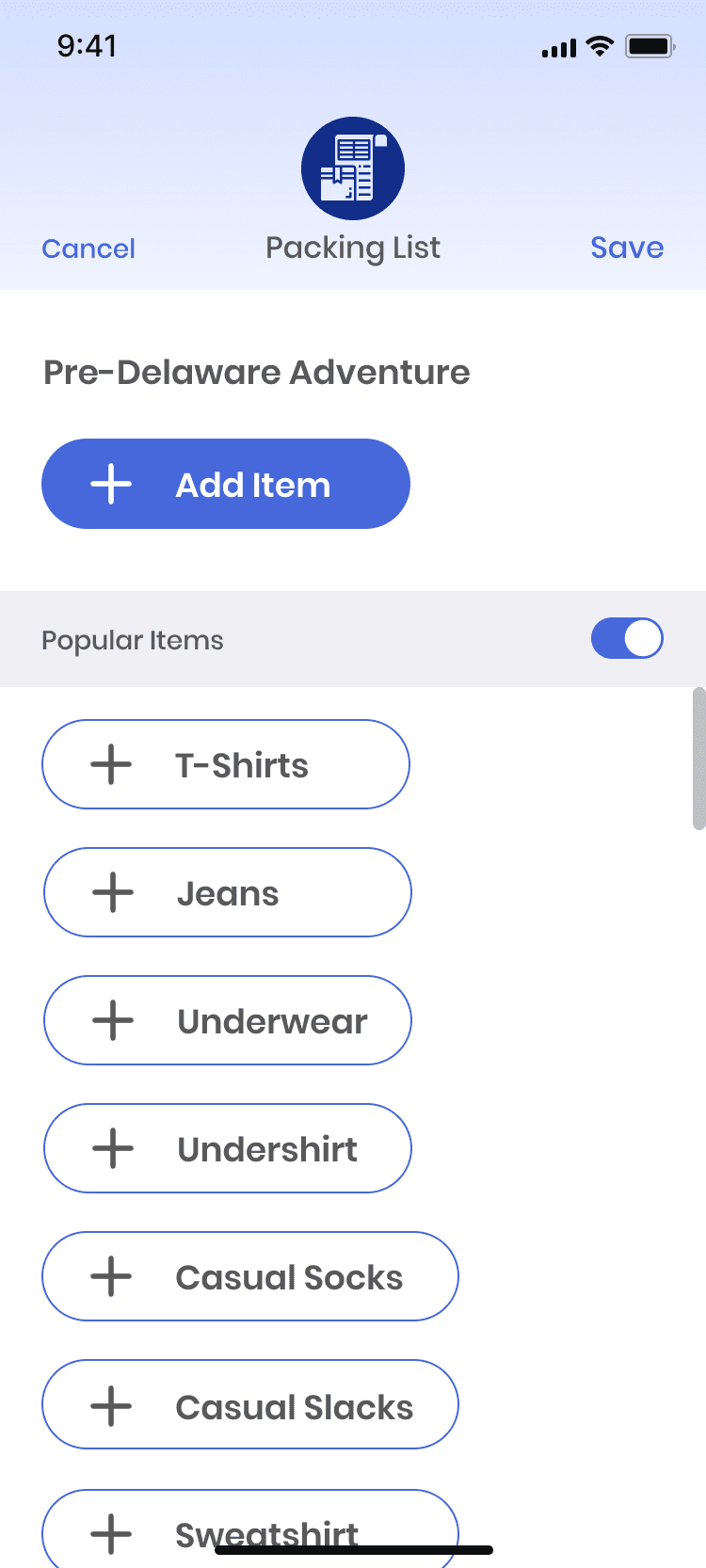
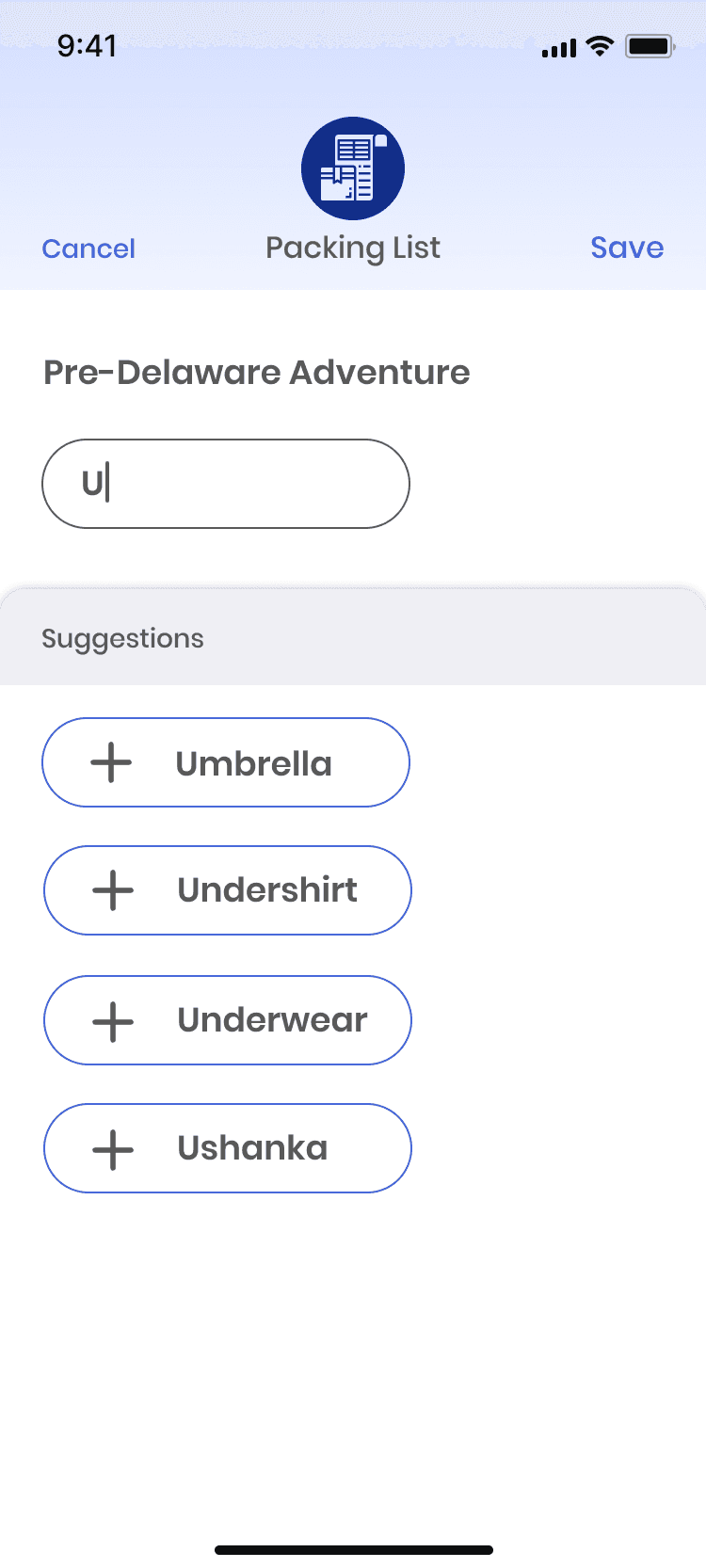
Lists are a crucial part of road trip planning and organization, which is why they deserve their own button functionality.
By including all parts of a road trip in the app, users can have a more seamless and integrated experience, with a single tool to manage all aspects of their trip. This can make it easier for users to plan, organize, and enjoy their road trip while minimizing the potential for unexpected events or missed opportunities.