This project highlights a polished animation flow for a photo editing app, focusing on seamless transitions, interactive elements, and engaging motion effects to enhance user experience.
To enhance app usability through visually appealing and functional animations.
To showcase expertise in After Effects for creating smooth, intuitive UI animations.
Photo Editor UI Animation
Given Design Deliverables:
Static screens and UI designs were provided by another designer, forming the base for the animations.
Design Process
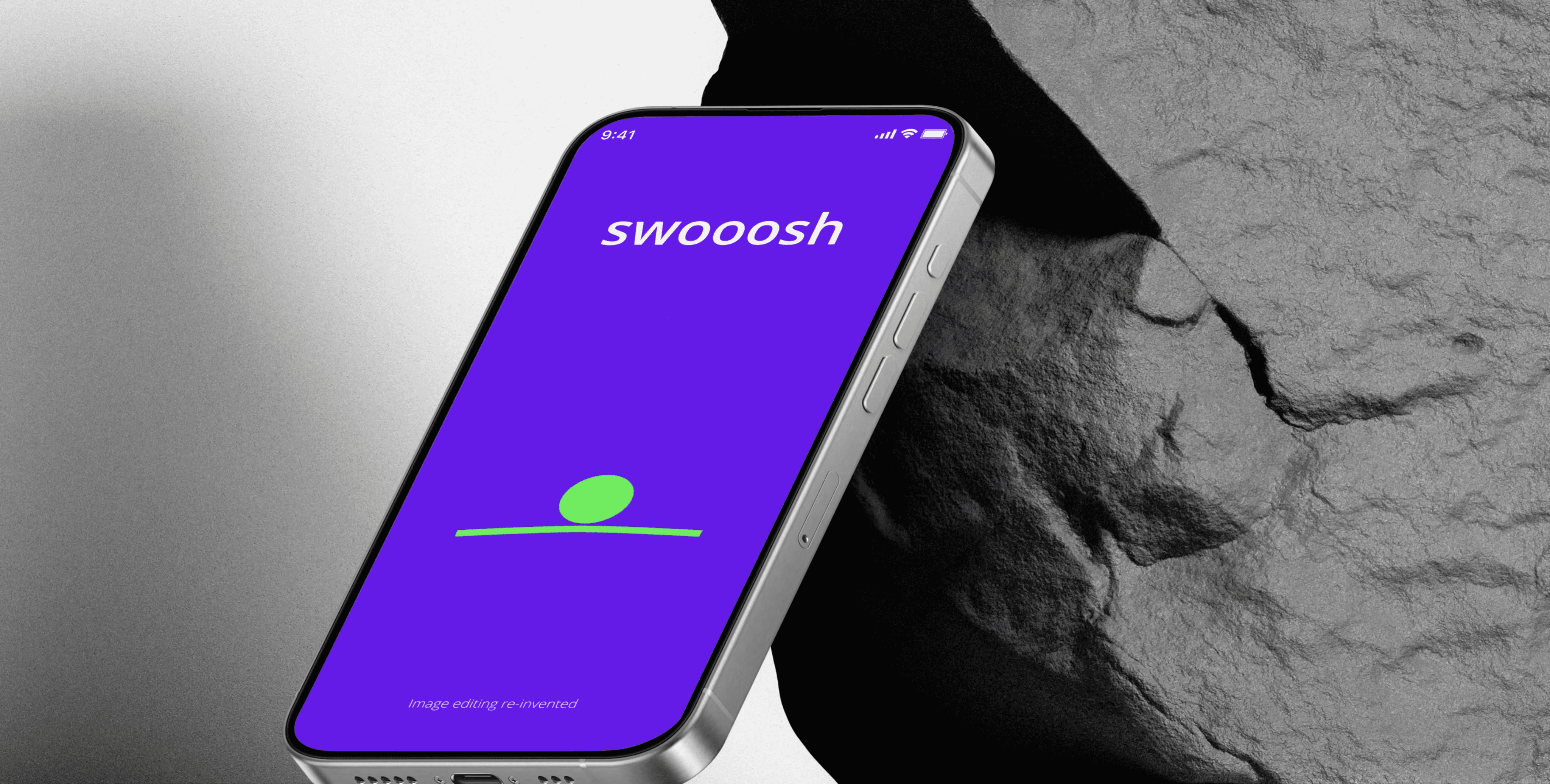
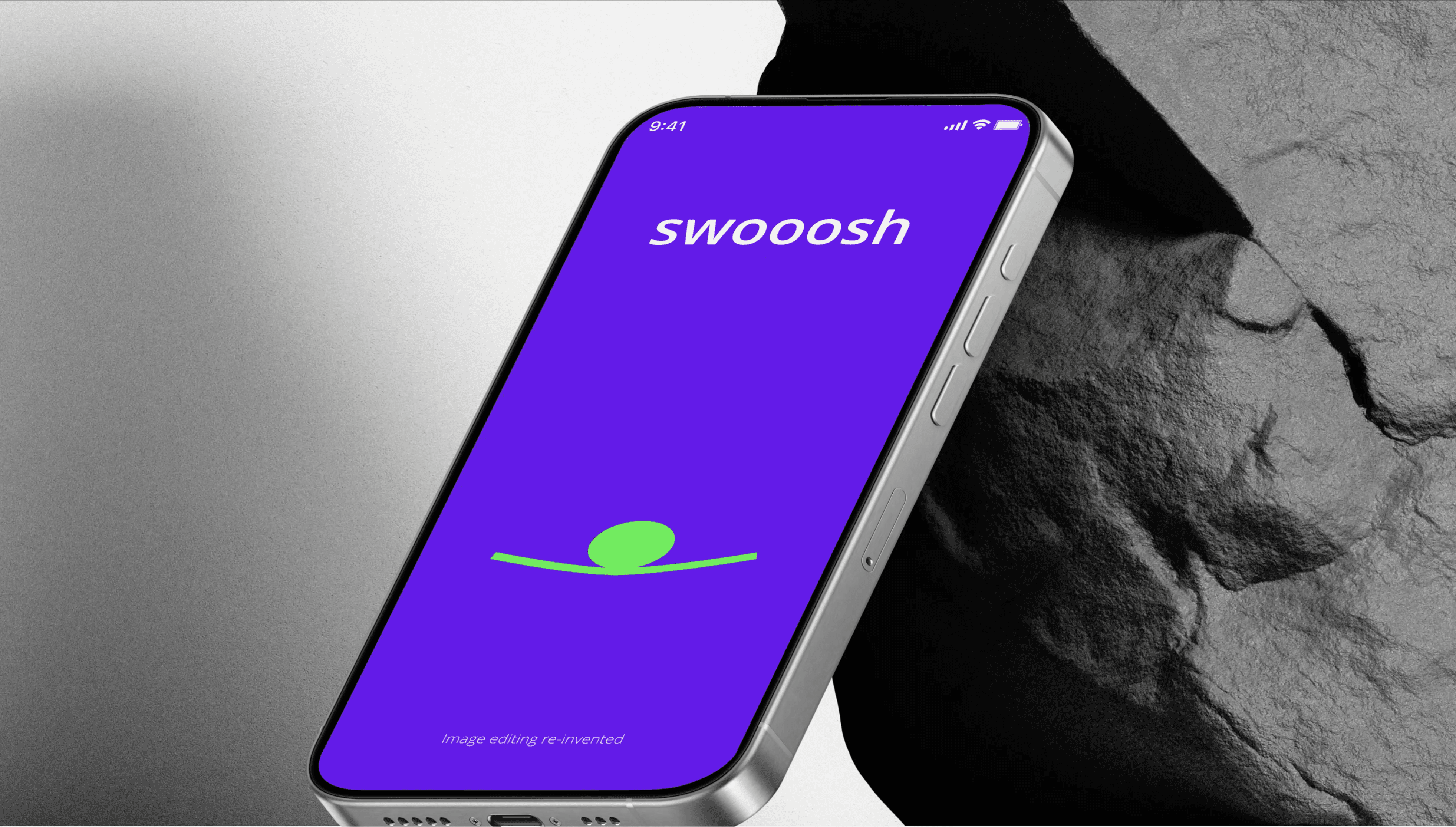
Preloader Animation:
Designed a bouncing ball animation to indicate app loading.
Engaging bouncing ball animation keeps users informed during loading.
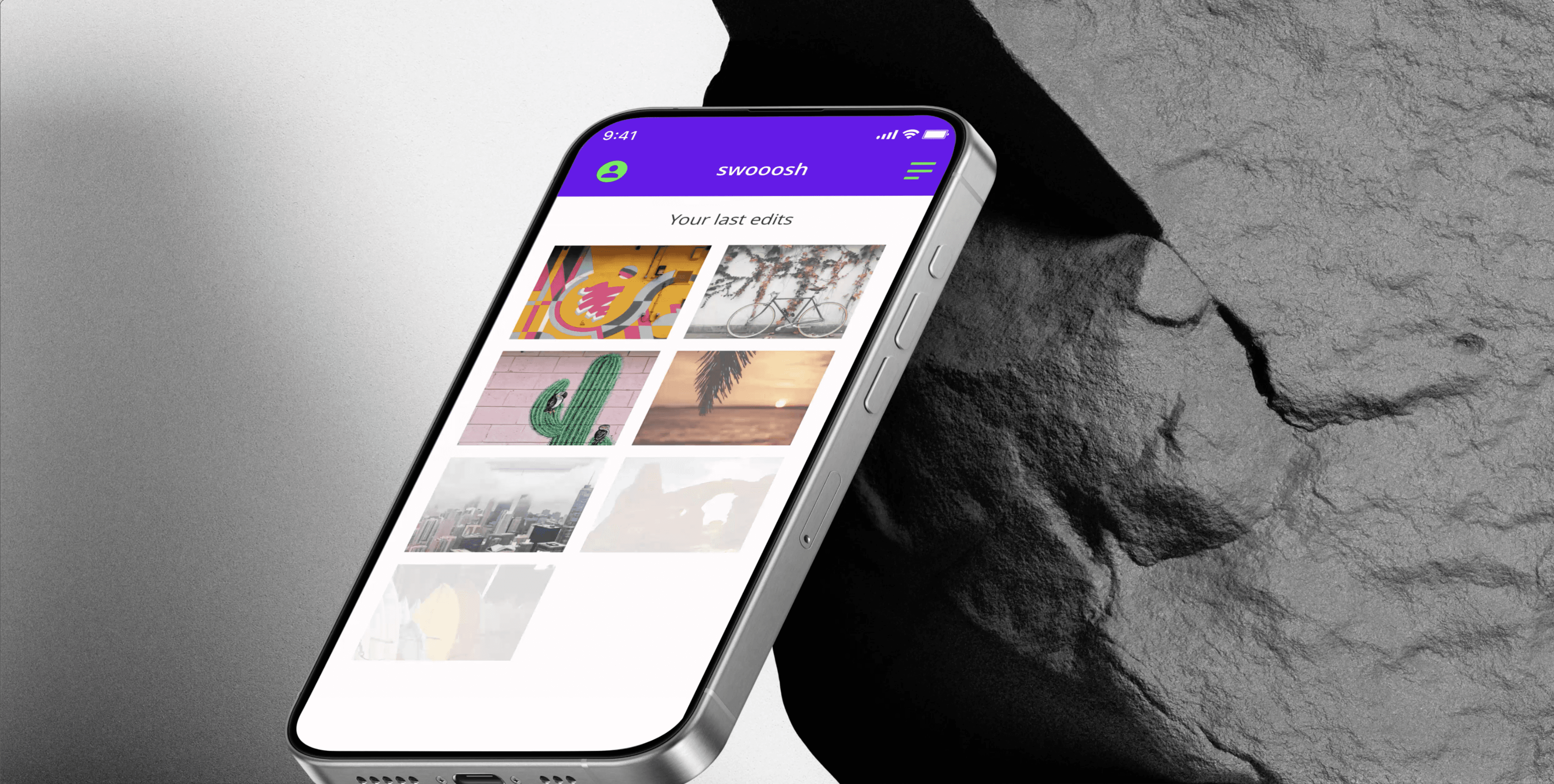
Photo Fade-In Effect:
Animated photos to cascade and fade in from the upper-left corner for a dynamic introduction.
Photos fade in a cascading effect, adding visual appeal and guiding user attention.
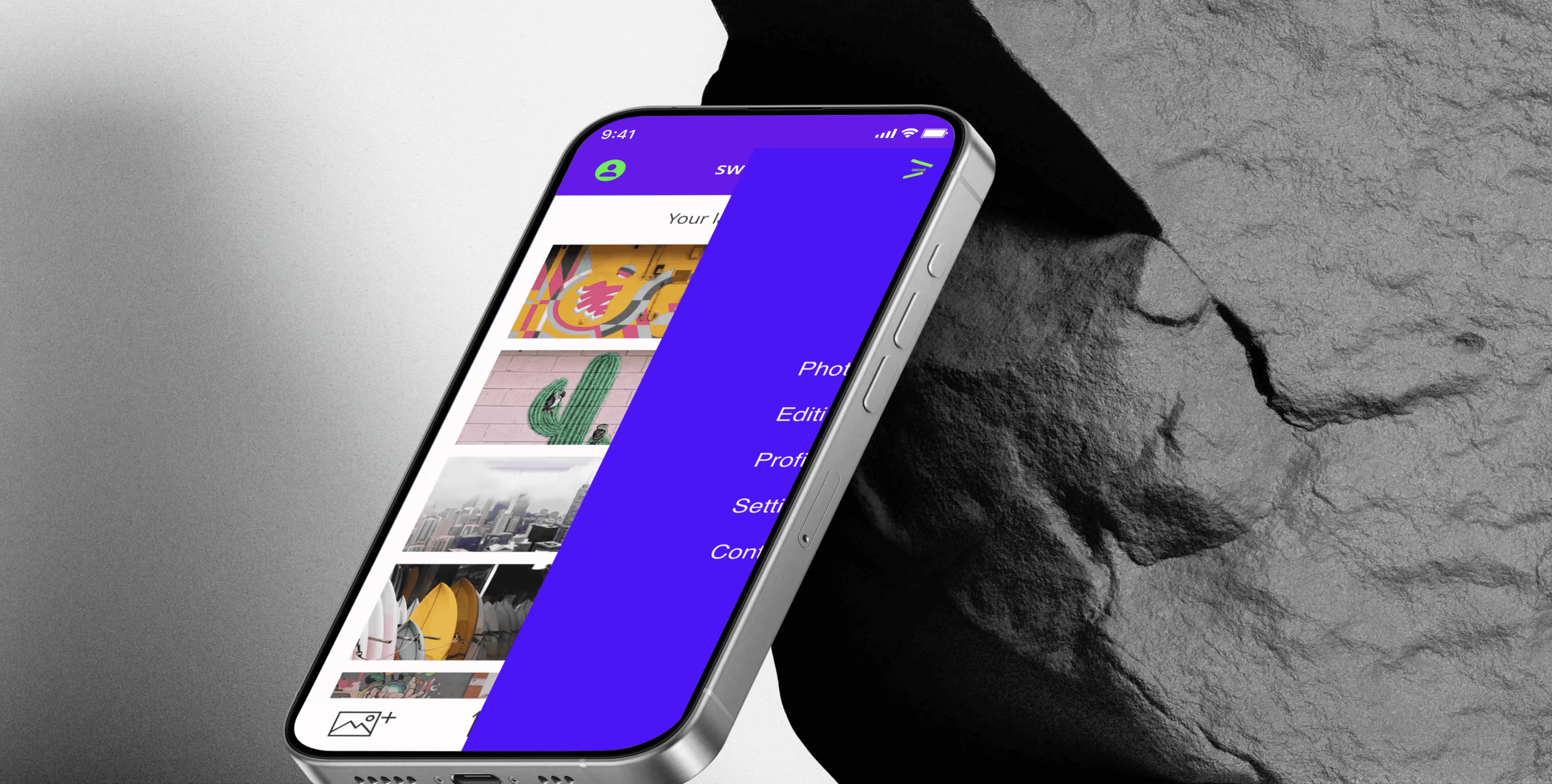
Hamburger Menu Transformation:
Created a smooth transition of the hamburger menu into a back button and back again when the menu slides in and out.
Hamburger menu transforms smoothly into a back button, aligning with user navigation.
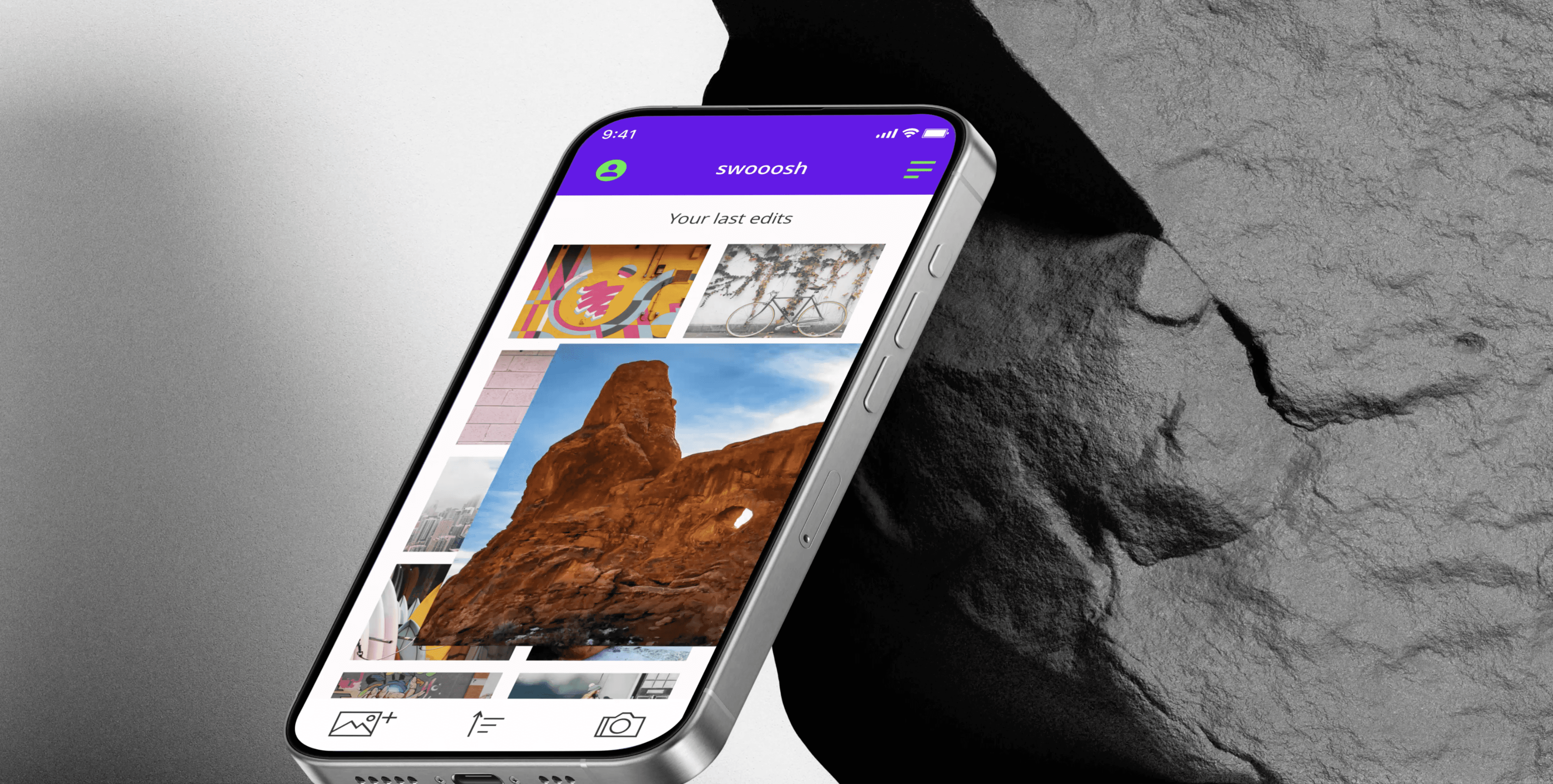
Photo Enlargement with Editing Tools:
Enlarged a selected photo while animating editing tools to slide up from the bottom of the screen.
Enlarged photo with tools sliding up offers intuitive access to editing features.
Mockup Integration:
Integrated all final animations into a device mockup to provide context and realism.
Motion enhances usability by guiding user actions and improving visual engagement.
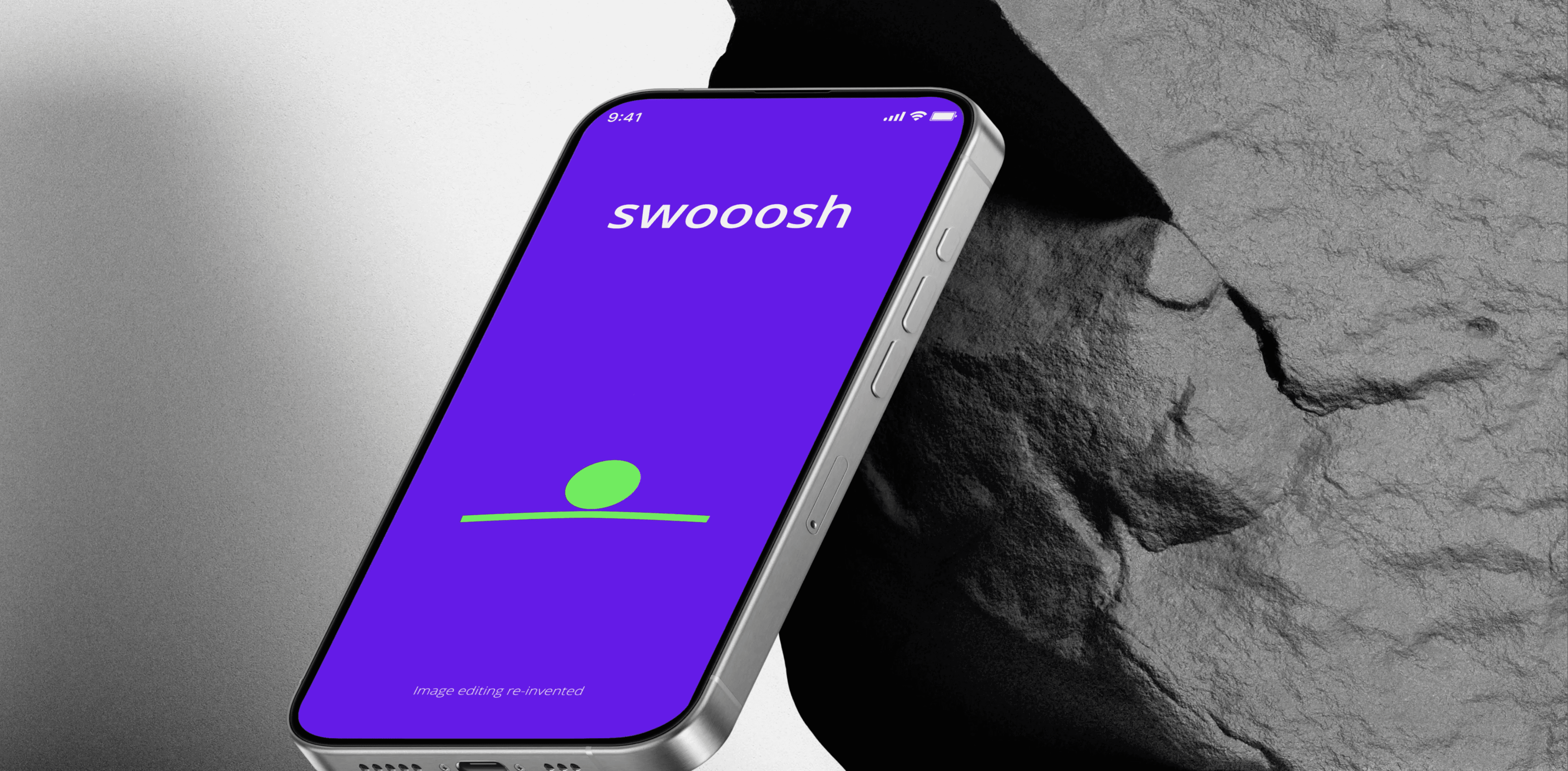
Preloader Animation:
Designed a bouncing ball animation to indicate app loading.
Let’s connect
Thank you for your time in checking out my photo editor app animation.
If you would like to see more or get in touch, email me at alexbriody@gmail.com
UI Animation for
Photo Editor App
UX Case Study
Alex Briody